Your Dashboard
The first thing you see after signing in — a snapshot of your account and a launchpad to everything else.
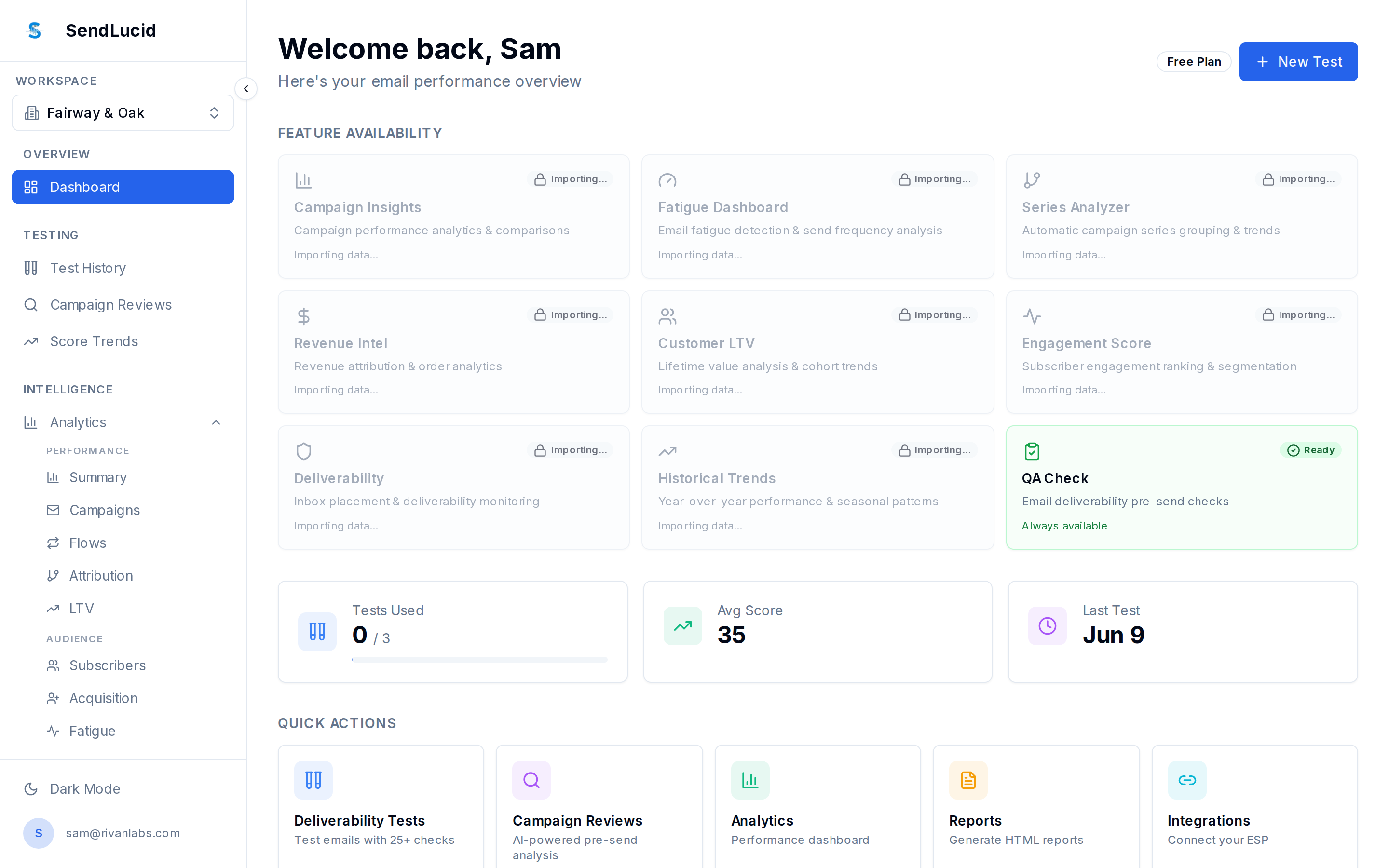
What you see
- A welcome header and your current plan.
- Feature availability — a card for each analytics feature, showing whether it’s ready or still importing your data after you connect a platform.
- Key stats — tests used, average score, and your last test.
- Quick Actions — jump straight to a deliverability test, campaign review, analytics, reports, or integrations.
How to use it
Treat it as home base. Right after you connect a platform, some features read “Importing…” while the first sync runs — they light up automatically when ready.