Alerts
Your watchdog. SendLucid continuously checks for things going wrong — declining engagement, rising unsubscribes or complaints, unusual metrics, performance drops — and surfaces them here so you don’t have to go looking.
What you see
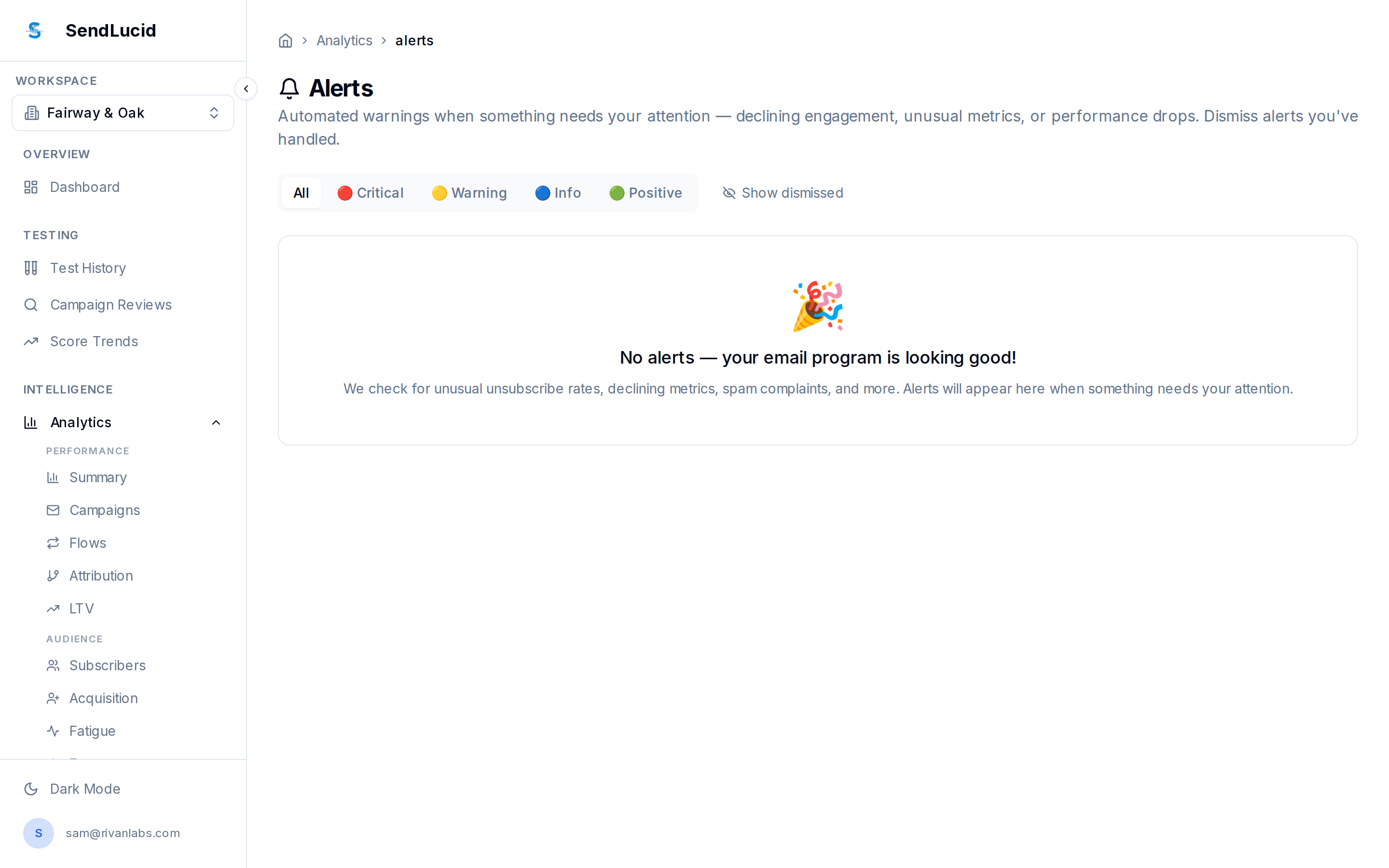
- Severity filters — Critical, Warning, Info, and Positive, plus dismissed alerts.
- Alert list — each issue with what it is and where to act. When everything’s healthy you’ll see a clean “No alerts — your email program is looking good” state (as above).
How to read it
Triage by severity: Critical first (something is actively hurting you), then Warning (trending the wrong way). Positive alerts flag wins worth repeating. Dismiss alerts you’ve handled so the list stays meaningful.
What to do
Treat alerts as your inbox for the email program — clear them regularly. Most link straight to the page where you can fix the underlying issue.